SecureVault App
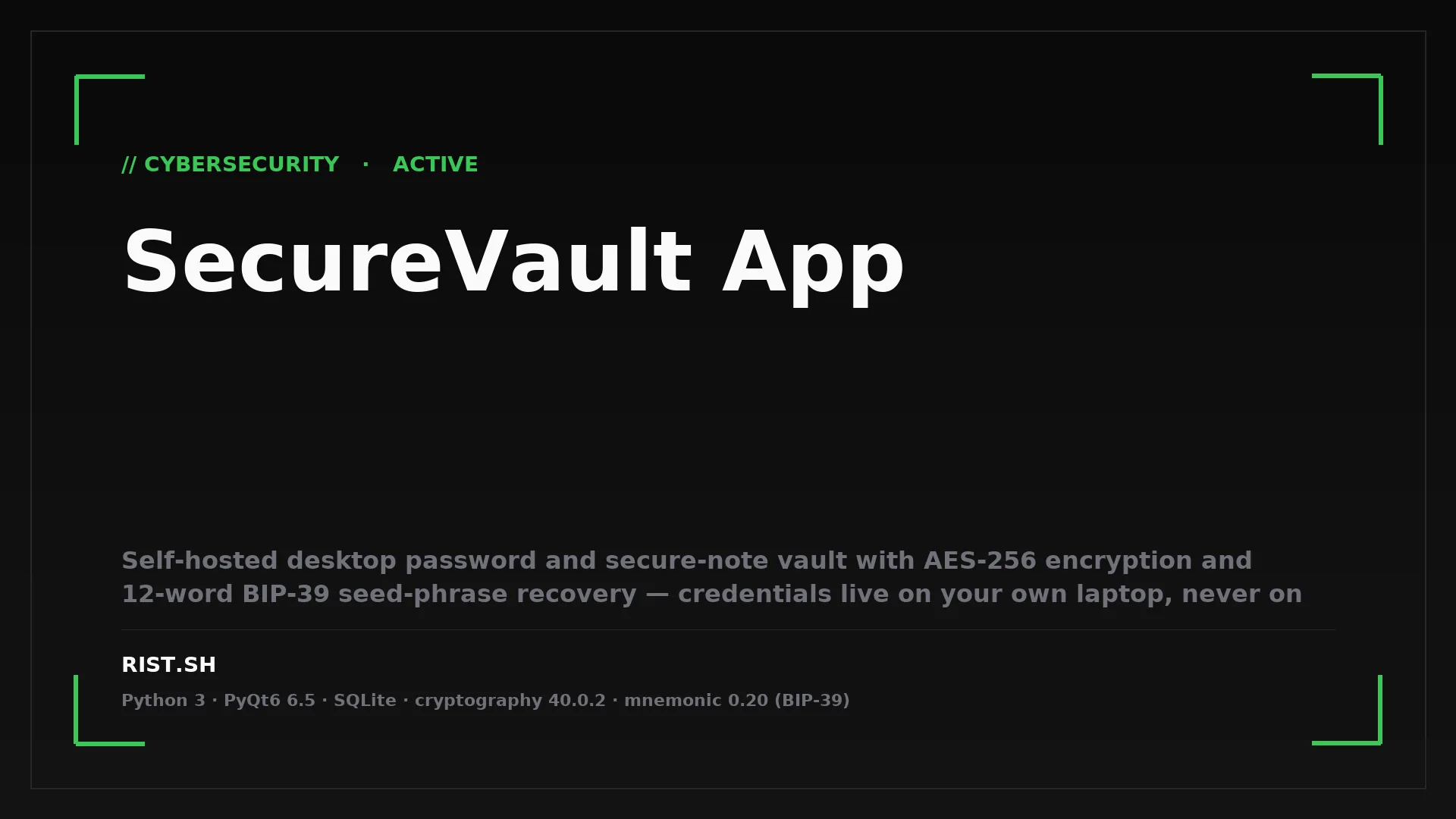
Self-hosted desktop password and secure-note vault with AES-256 encryption and 12-word BIP-39 seed-phrase recovery — credentials live on your own laptop, never on someone else's server.
- Scope
Cloud password managers create a single point of failure. After LastPass, every operator who took breach notifications seriously started asking the same question — what would it take to keep my credentials entirely off someone else's infrastructure?
The problem it solves
Cloud password vaults concentrate the keys to dozens of services in one breach surface. When LastPass was breached in 2022, attackers exfiltrated encrypted vaults belonging to roughly 25 million customers; brute-force attacks on weak master passwords have been credibly linked to more than $150M in stolen crypto since. Bitwarden and 1Password are well-engineered alternatives, but they remain rented vaults — credentials live on someone else's servers, with their uptime, their incident-response posture, and their pricing model.
Self-hosting usually means running Vaultwarden in Docker, terminating TLS through a reverse proxy, and operating a database yourself. For solo operators and small teams who just want credentials on their own laptop, that overhead is wildly out of proportion to the threat model. The gap is a desktop-native, single-user vault that needs no server, no account, and no Docker — just a binary and two files.
Who needs this most
- Solo operators and consultants managing 50-300 client credentials — security researchers, freelance architects, SOC analysts running side engagements — who can't responsibly store client secrets in a cloud vault that may itself be a breach target.
- Founders and CTOs of pre-Series-A startups handling investor and infrastructure credentials — the period before a company has corporate SSO is exactly when the founder is most exposed, and the LastPass-style horror story has a long tail.
- Operators working in air-gapped or jurisdiction-segregated environments — defence contractors, journalists working with sensitive sources, embassy-class travel — anyone whose ops require credentials that never touch the public internet.
The moment this hurts: any week after a major password-manager incident lands in the news and the operator has to explain to a client that no, their credentials weren't in the breached vault.
The solution — in plain terms
SecureVault is a desktop password manager that runs entirely on your own computer. No server, no account, no telemetry, no cloud sync. Open the app, type your master password, and credentials and secure notes appear — decrypted in memory, never written anywhere unencrypted. Step away for two minutes and it locks itself; everything goes back behind AES-256 encryption with a countdown timer in the status bar so you see it coming.
Day-to-day it stores logins (username, email, password, URL, free-text comment) and encrypted markdown notes for the things that don't fit a username/password schema — API keys, recovery codes, configuration snippets, private-key paths, contract terms. Records group into segments (personal, work, client-X) so the same vault serves several contexts without mingling them. A built-in password generator produces strong passwords on demand and estimates entropy so the operator knows what was generated.
Setup is a Python binary plus a key file. There is no Docker, no nginx, no certificate authority. If the laptop dies, the vault is two files — copy them to a new machine, type the master password, continue.
Value delivered — what you get
- Removes a third-party breach as a path to your credentials — your vault never leaves the laptop, so a LastPass-class incident at any vendor cannot compromise you because there is no vendor in the loop.
- Survives lockout via a 12-word BIP-39 seed phrase — losing the master password doesn't lose the vault; the seed phrase regenerates the encryption key and lets the operator set a fresh password while every record is re-encrypted in place.
- Replaces $36-60 per year per seat of cloud password-manager subscriptions — useful on its own and meaningful at scale (a 20-person consultancy saves roughly $1,000/year and removes one vendor from its risk register).
- Auto-lock after 120 seconds of inactivity — a laptop left open at a client's office or a coffee shop stops being an instant credential leak; a visible countdown surfaces 10 seconds in so the operator knows when the vault is about to close.
- Markdown notes with syntax-highlighted code blocks — encrypted alongside the credentials, so API specs, on-call runbooks, and private-key paths sit beside the credentials they protect rather than in a separate "secure note" subscription.
- Two-file portability —
vault.dbplusvault.keyis the whole product; backup, sync, and disaster recovery use whatever the operator already trusts (Borg, rclone, a USB stick in a safe).
Where it delivers outsized value
- Cybersecurity practitioners and pentesters — every primitive is auditable in a single afternoon. AES-256-CBC with random IVs, PBKDF2-HMAC-SHA256 for password-derived keys, HKDF-SHA256 for seed-derived keys, BIP-39 for the mnemonic recovery layer. The codebase is ~6,500 lines of Python across 16 modules; nothing is hidden.
- Air-gapped and jurisdictionally segregated work — defence, intelligence, legal, journalism — environments where a cloud sync is itself a compliance violation rather than a convenience. The binary opens no sockets; an operator auditing for telemetry or update beacons can confirm this from
lsofin seconds. - Pre-product-stage founders and small consultancies — the credential sprawl is real but doesn't yet justify a per-seat enterprise SSO or a self-hosted Bitwarden cluster.
The common thread: small operations that take credential hygiene seriously and don't want a third party in the loop.
Distinctive features — why this over the alternatives
- Two-factor recovery built on BIP-39 mnemonics — the same 12-word recovery model used by hardware wallets, applied to a password vault. Lose the master password and the seed phrase rotates the operator back in; lose the seed phrase and the master password still works.
- Two-stage key handling — the data-encryption key is derived from the seed via HKDF-SHA256 and separately wrapped under a password-derived key (PBKDF2-HMAC-SHA256, 100,000 iterations). Password changes re-wrap the same data key, so rotating the password doesn't touch a single record.
- Explicit re-encryption pass on seed recovery — when the seed-phrase path is used to set a new password, a recovery helper walks every login and every note file and rewraps the contents under the fresh key, leaving no records orphaned on the old derivation.
- Encrypted markdown notes with live syntax highlighting — a custom highlighter handles markdown and embedded code blocks, so the operator's secrets-adjacent documentation lives inside the same encrypted boundary as the credentials.
- Auto-lock with visible countdown — the timer surfaces in the bottom bar after 10 seconds of inactivity, so the operator knows when the vault is about to close rather than discovering it post-hoc on the login screen.
- No network code anywhere — the binary doesn't open a socket. There is nothing to phone home, no update beacon, no telemetry pipeline that a future maintainer might quietly switch on.
Under the hood — built to last
SecureVault runs on PyQt6 and the Python cryptography library — both maintained projects with a long track record of careful security work. Storage is SQLite for structured records and the local filesystem for encrypted note blobs; no daemon, no service, no required network access. Five pinned dependencies, all of which have survived a decade of scrutiny. The app is self-contained: clone, install, run python main.py. It runs the same way on Linux, macOS, and Windows, and the only operational artefact is two files on disk.
Current maturity
Working private build, version 1.0.0, ~6,500 lines of Python across 16 modules. The encryption manager, database manager, recovery helper, password generator, segment organisation, auto-lock, seed-phrase recovery, encrypted markdown notes, and import/export to a custom vault path are all complete and exercised. First file timestamps land at 2025-03-12; most recent local activity at 2026-01-28. The v8_dev codename reflects eight design passes through the same core idea — not yet packaged for public distribution, but operationally complete for the single-user case. It is the kind of small, focused tool that benefits from staying small: the threat model is exactly as large as one user can audit.
Roadmap — what's next
The next milestone is packaged distribution: a notarised macOS .app, a signed Windows installer, and a Linux AppImage so non-developers can install without a Python toolchain. After that, optional hardware-backed key storage via FIDO2/YubiKey widens the threat model to cover stolen-laptop scenarios where the master password might be observed or coerced. Multi-vault support — one binary cycling between several vault.db/vault.key pairs — opens the consultancy use case where a single operator carries several client vaults that must never share an encryption key.
A longer-arc decision is whether to publish the spec as an open-source reference implementation; the codebase is small enough that a third-party security audit is feasible without significant cost, which makes it an honest candidate.
Working with the architect
SecureVault is available in two engagement modes. A team or individual can commission a custom build of a similar tool tuned to a specific threat model — different cipher choices, hardware-token integration, custom record schemas, on-premise deployment requirements — using the same architectural approach. And a team building its own secrets-management tooling can engage in strategic advisory on encryption-at-rest design, key-derivation choices, and recovery-flow modelling, drawing on this implementation as a worked example. Reach out via sintegrium.io or LinkedIn for a 30-minute scoping call.
Built by Yurii Staryk · Solution Ecosystem Architect
Related Posts
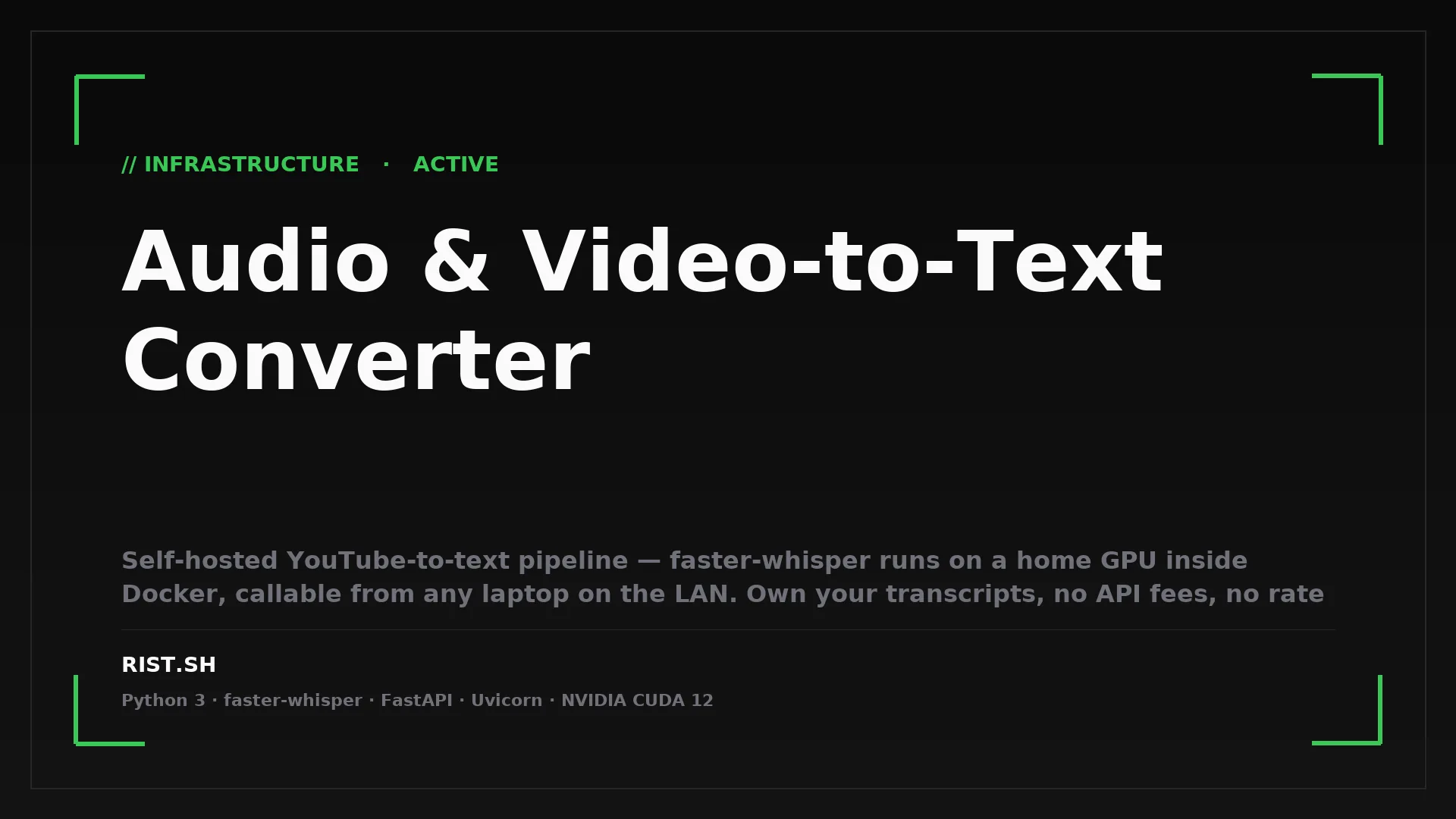
Audio & Video-to-Text Converter
Self-hosted YouTube-to-text pipeline — faster-whisper runs on a home GPU inside Docker, callable from any laptop on the LAN. Own your transcripts, no API fees, no rate limits, 99+ languages.
LANpaster: Secure Local Network Sharing
Self-hosted LAN clipboard for engineers running multiple machines on one network — paste text or files on one device, grab on another, with auto-expiring slots for API keys and zero internet dependency.